Microsoft Clarity is a genuinely good free tool. It records sessions, draws heatmaps, and costs nothing. If all you want is to watch how people move around a page, it's hard to argue with.
But most teams reach a point where watching sessions isn't enough. You've seen twenty replays of people leaving the pricing page — now you want to know how many did that, whether it's getting worse, and whether the ones who stayed came back next week. That's a different question, and it needs a different kind of tool.
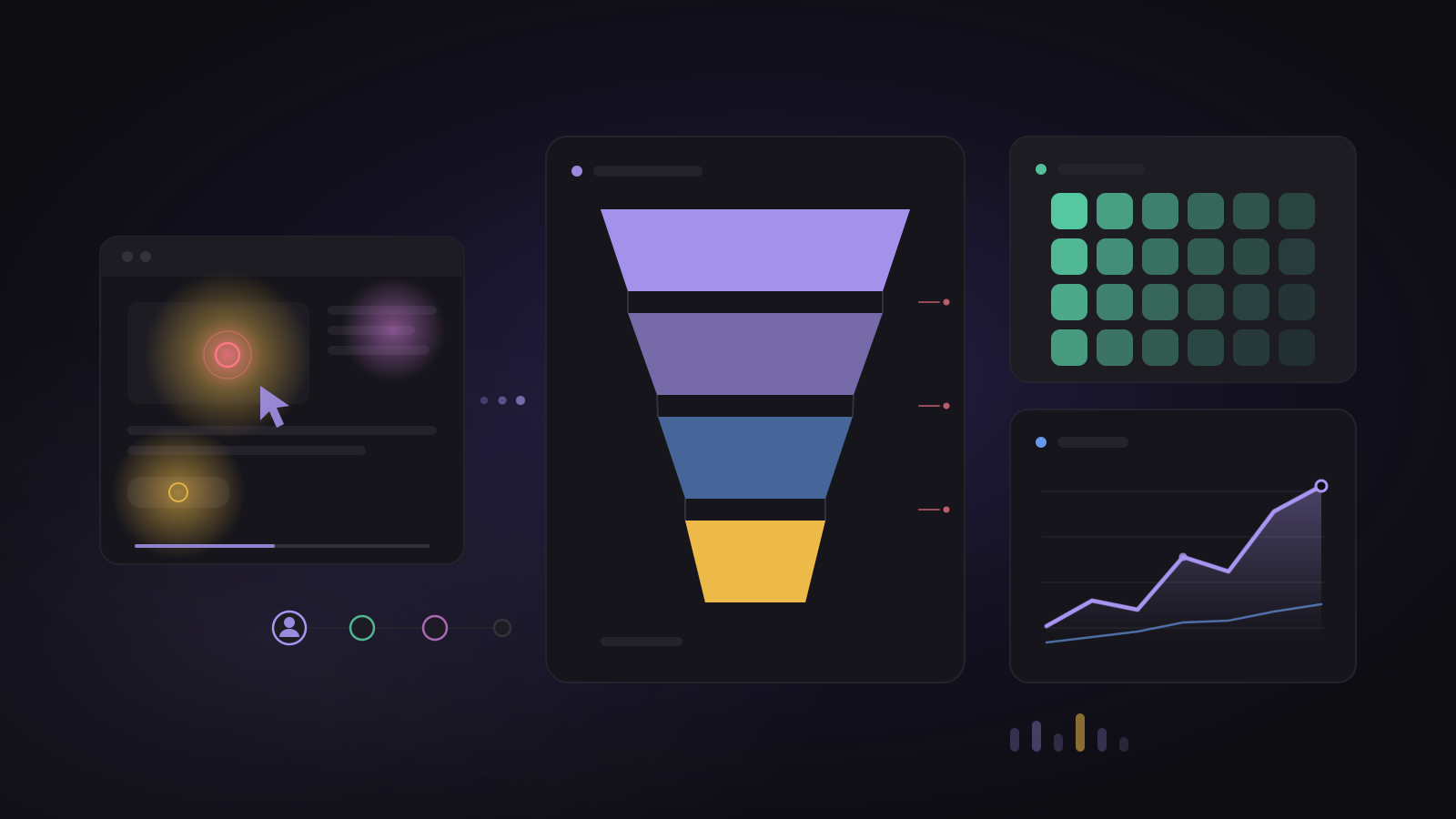
ClickLens does both. You get session replays and heatmaps, like Clarity — and the funnels, retention and user profiles that turn a pile of recordings into a number you can act on.
What they share
Both tools give you the "show me what happened" layer:
- Session replay — watch a real person's visit, click by click.
- Heatmaps — where people click, scroll and drop off on a page.
- A free tier — Clarity is free; ClickLens includes 1,000 replays a month and 1 million events on its free plan.
If replays and heatmaps are the whole job, Clarity does them well and free. That's a fair place to stop.
Where ClickLens goes further
Clarity shows you sessions. It doesn't answer questions across all your users at once. ClickLens does:
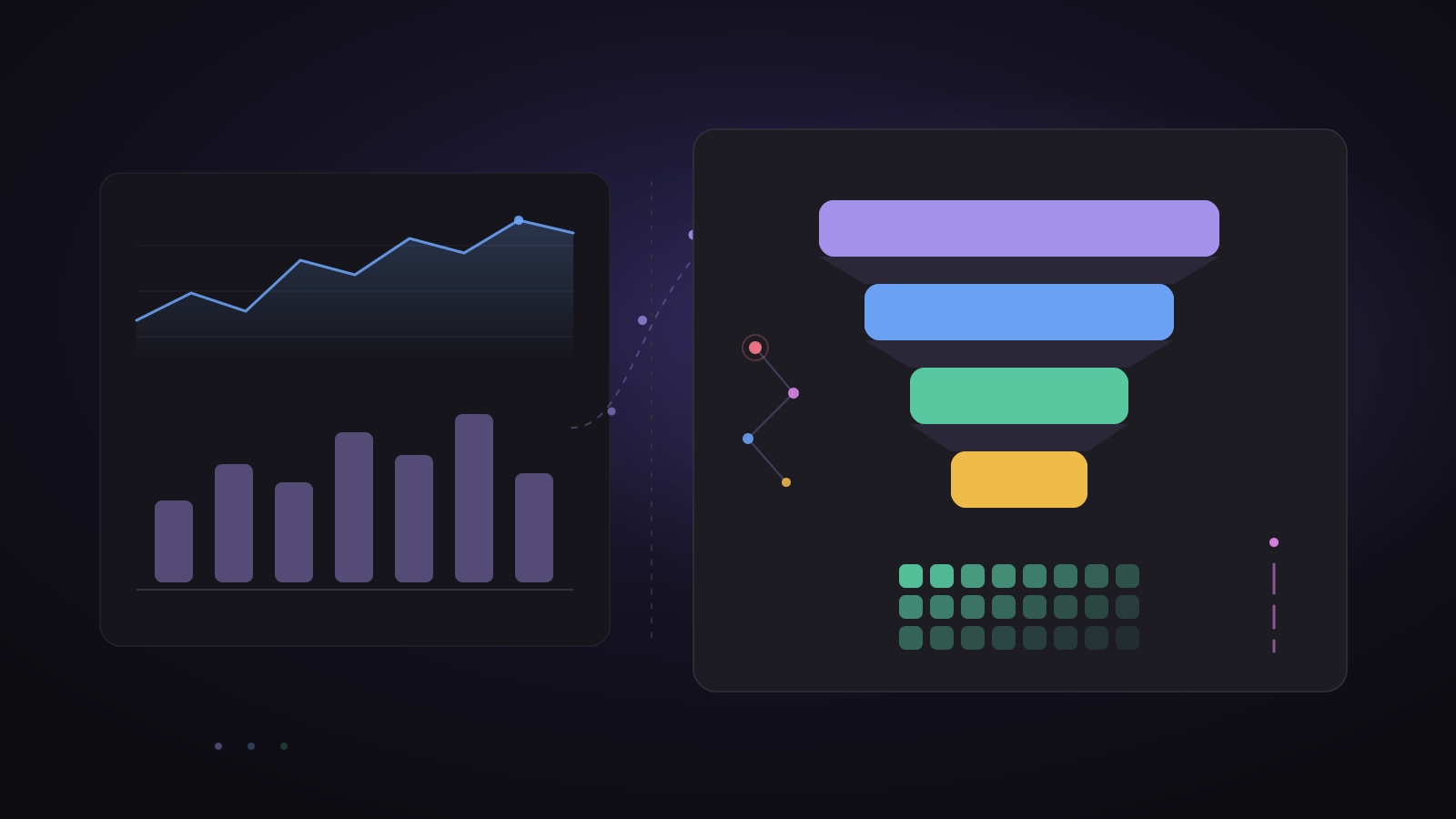
- Funnels — of everyone who started checkout, what share finished, and which step loses the most people.
- Retention — of the people who signed up this month, how many are still active in week four.
- Trends — signups, revenue or any event over time, broken down by source, city or plan.
- User profiles — one person's whole history, across every device, tied to a replay of what they did.
- A/B tests — send two versions and ClickLens calls a winner only when it's sure.
- An AI analyst — ask a question in plain English and get the chart back.
A replay tells you what one person did. Product analytics tells you what everyone does, and lets you jump from a number straight to the replays behind it.
The honest comparison
| Microsoft Clarity | ClickLens | |
|---|---|---|
| Session replay | Yes | Yes |
| Heatmaps | Yes | Yes |
| Funnels and retention | No | Yes |
| Trends and breakdowns | No | Yes |
| User profiles | No | Yes |
| A/B test results | No | Yes |
| AI analyst | No | Ask ClickLens |
| Price | Free | Free plan, then a fixed monthly price |
Clarity is free and focused. ClickLens is one tool for both the replay and the analysis, so you're not exporting from one and guessing in another.
When to use which
- Use Clarity if you only need replays and heatmaps and price is the deciding factor.
- Use ClickLens if you want to see what happened and understand how often and to whom — without running two tools side by side.
Many teams start with Clarity for replays, then add a product-analytics tool for the numbers. If you'd rather have both in one place, try ClickLens free — the free plan covers replays and a million events a month, no card needed.