Mixpanel's pricing looks simple on the marketing page and gets complicated on the invoice. If you're trying to work out what it will actually cost your team — especially from India, where the bill arrives in dollars — here's how the model works, where the surprises come from, and what the numbers look like next to a fixed-price alternative.
Mixpanel's own pricing page is always the source of truth for their current rates. This guide explains the structure of the pricing, which changes far less often than the exact figures.
The three Mixpanel plans
Mixpanel sells three tiers:
- Free — a real free plan, capped at a monthly event allowance (around 1 million events a month at the time of writing). Good for a side project or an early prototype, with some features held back.
- Growth — the plan most startups actually land on. It's usage-based: you pay by how many events you send each month. The more your product is used, the higher the bill.
- Enterprise — custom pricing, annual contracts, data governance and support add-ons. You talk to sales.
The free plan is genuinely useful. The question almost everyone has is about Growth, because that's where the cost becomes real — and variable.
How the Growth plan is priced
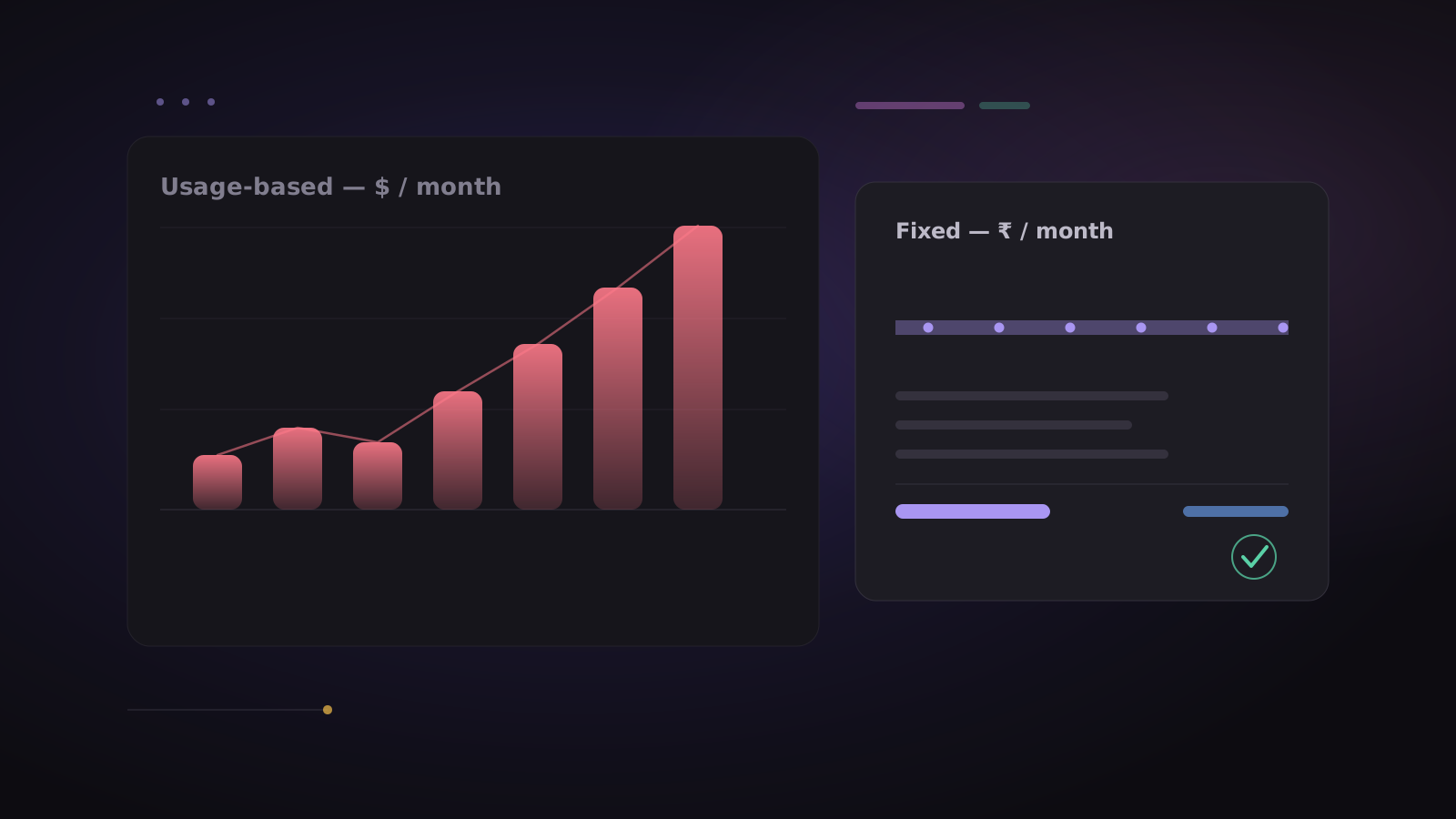
Growth is billed on events (Mixpanel used to count "data points"; the current model is events). You pick a monthly event volume, and the price scales up as that volume grows. Send more this month and you pay more; a quiet month costs less.
That sounds fair, and when your traffic is flat it is. The problem is budgeting. Three things make the number hard to pin down in advance:
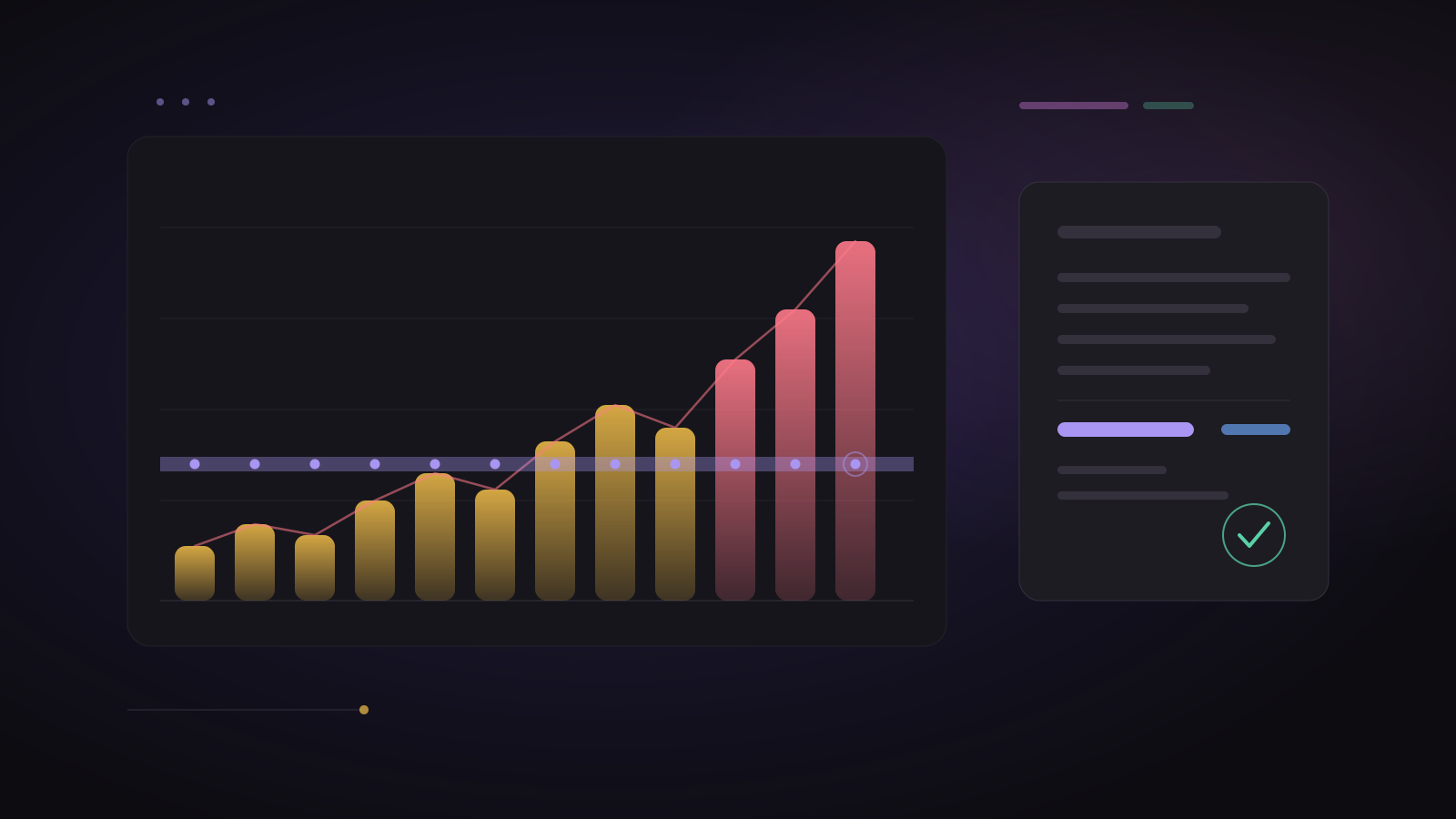
- Your busiest months cost the most. A launch, a festive-season spike, or a viral week all push events up — and the analytics bill rises at exactly the moment everything else is already stretched.
- Every tracked action is an event. Page views, button clicks, screen views, server-side events — they add up faster than teams expect, and instrumenting more of your product (which you should do) directly increases the bill.
- There's a ceiling on self-serve. Growth is self-serve up to about 20 million events a month; above that you're into a sales conversation and a negotiated contract.
For a sense of scale, here's what Mixpanel's own Growth calculator quoted when we checked it on 22 September 2026 (monthly billing):
| Events a month | Mixpanel Growth | In rupees (at ₹88/$) |
|---|---|---|
| 1 million | $0 (free plan) | ₹0 |
| 10 million | about $1,176 | about ₹1.03 lakh |
| 20 million | about $2,289 | about ₹2.01 lakh |
| 40 million | on request | — |
Prices change, so check Mixpanel's pricing page for today's numbers — and add your card's forex markup on top.
The India problem: the bill is in dollars
If you're an Indian startup, there's a second cost on top of the sticker price:
- Forex markup on every card payment, typically 1–3%.
- Currency swings — a weaker rupee quietly raises your renewal even if your usage didn't change.
- International card limits and failures — company cards decline recurring USD charges more often than you'd like.
- No GST invoice that your accountant can cleanly claim, and reconciliation in a foreign currency every month.
None of that shows up on the pricing page, but all of it shows up in your actuals.
What a fixed, rupee-based plan costs instead
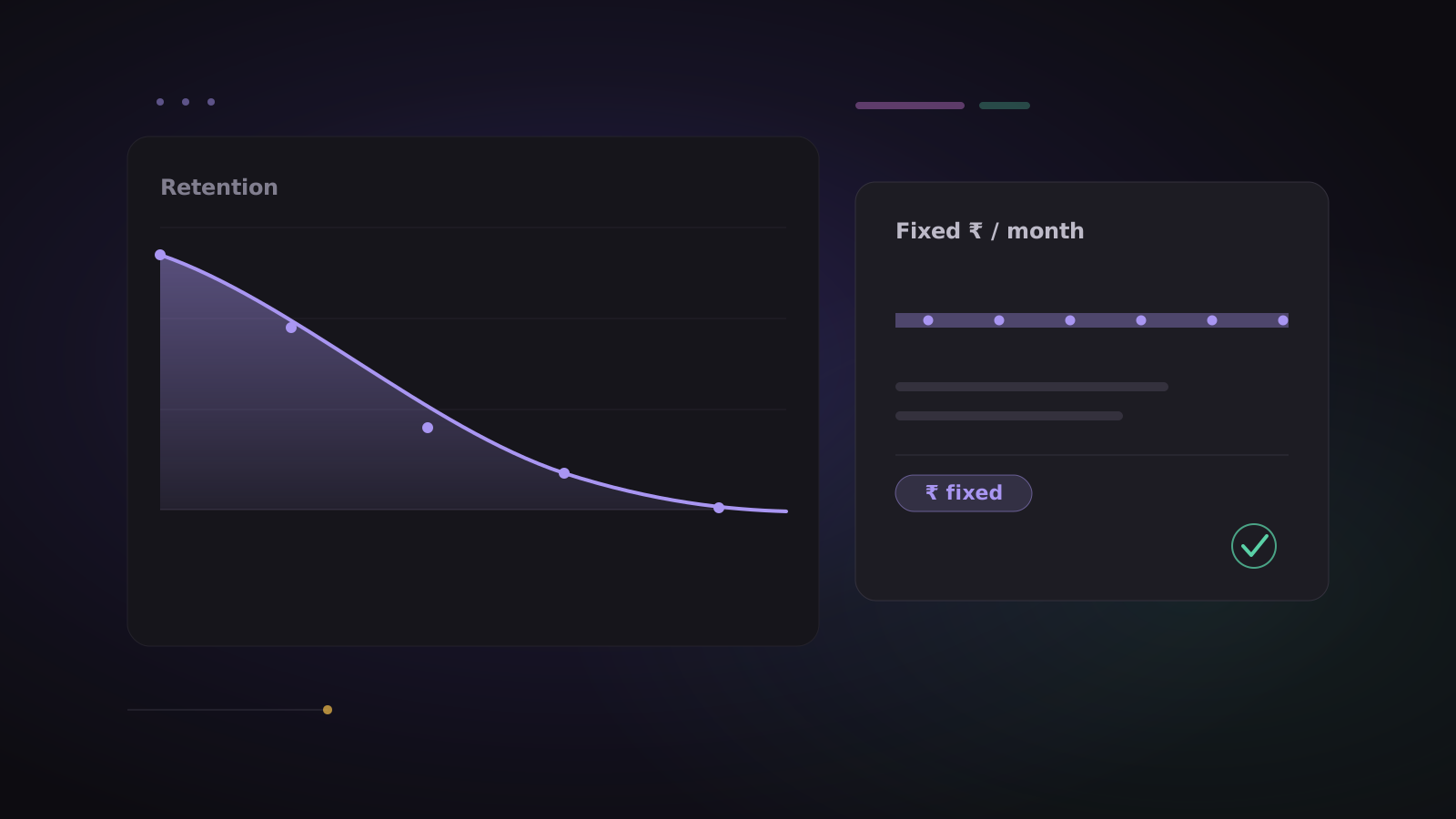
ClickLens was built around the opposite idea: a set number of events included each month, at a set price in rupees, with every feature in every plan.
| Plan | Price per month | Events included |
|---|---|---|
| Free | ₹0 | 2,000,000 |
| Starter | ₹49,999 | 15,000,000 |
| Growth | ₹89,999 | 30,000,000 |
| Pay as you go | metered | pay per event |
All prices are monthly, + applicable taxes. Put side by side with the Mixpanel figures above:
| Events a month | Mixpanel Growth | ClickLens (cheapest plan) |
|---|---|---|
| 10 million | about ₹1.03 lakh | ₹30,000 (Pay as you go) |
| 20 million | about ₹2.01 lakh | ₹59,999 (Starter + 5M extra) |
| 30 million | on request | ₹79,999 (Starter + 15M extra) |
A few things fall out of this model:
- You can budget. You know next quarter's analytics line before the quarter starts.
- A busy month adds a little, not a multiple. If you go over, extra events are billed per 1,000 at a low rate and added to your next bill — collection never stops, so you don't lose data at the worst possible time.
- You pay in rupees, with a proper invoice. UPI, card or netbanking; a PDF invoice every month; no forex markup.
- No per-seat price and no locked features. Invite the whole team; every plan has funnels, retention, user profiles, boards, experiments and the AI analyst.
The free plan alone — 2 million events a month — is twice what Mixpanel's free tier typically allows, which is enough to run a real small product without paying anything.
So, is Mixpanel expensive?
Honestly: it depends on your volume, and for a flat, low-traffic product the Growth plan can be reasonable. Where it hurts is unpredictability — the teams who get surprised are the ones growing fast, instrumenting more, and paying in a currency that isn't theirs.
If that's you, the fix isn't a cheaper usage meter; it's a model you can forecast. See the full ClickLens pricing, read how predictable, rupee-based pricing works, or if you're already on Mixpanel, how to switch without losing your data.
Start free, with 2 million events a month and no card needed.