A tracking plan is a short document that says which events your product sends, what they're called, and which properties come with them. It sounds like paperwork. It's actually the difference between analytics you trust and a wall of button_click_2 events nobody can explain six months later.
Here's a template you can copy, and the rules that make it work.
The template
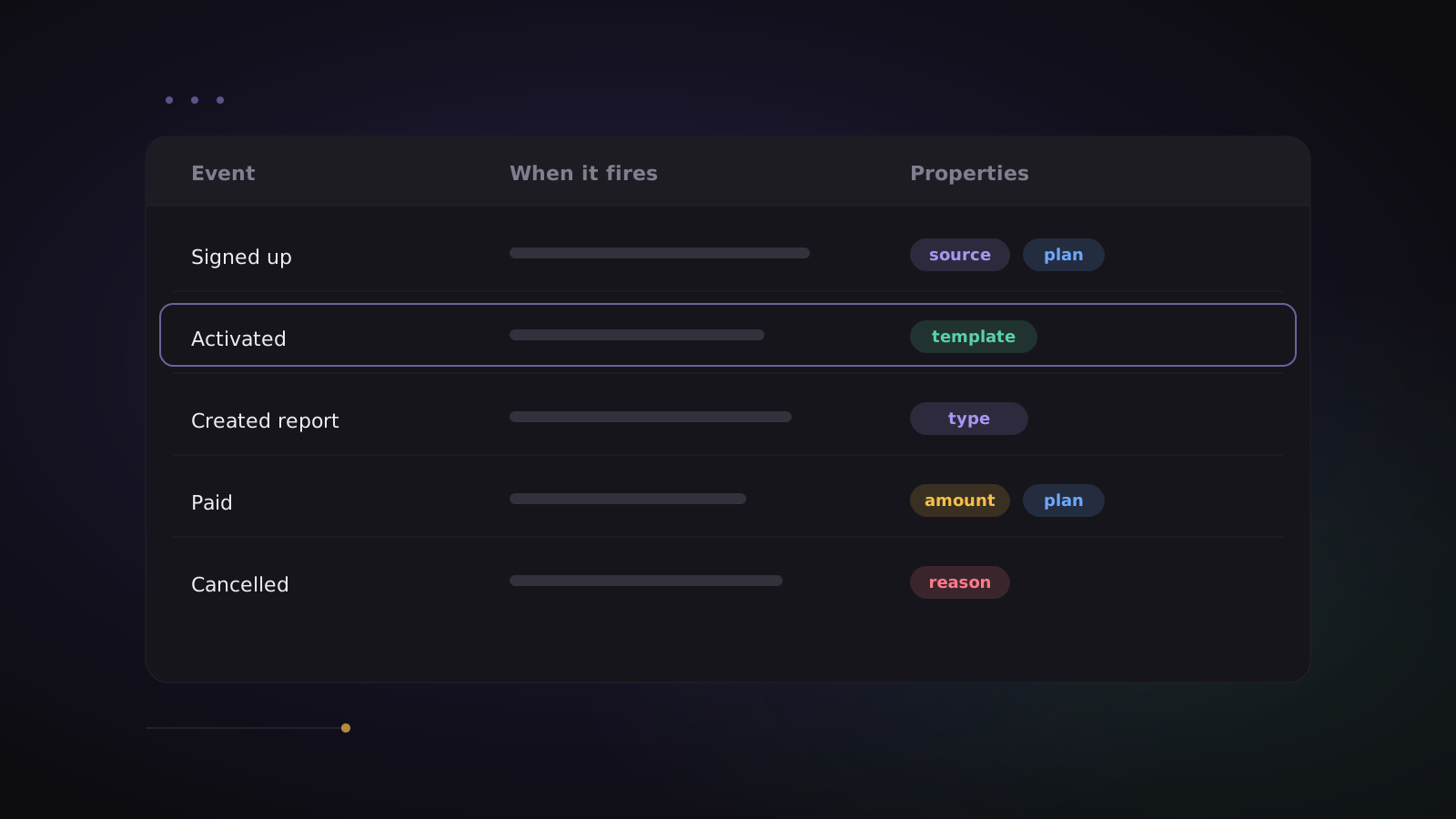
Keep it as a shared table — a spreadsheet is fine. One row per event:
| Event | When it fires | Properties | Owner |
|---|---|---|---|
| Signed up | Account created, after email is verified | method, source, plan |
Growth |
| Activated | First project created | template, time_to_activate |
Product |
| Invited teammate | An invite is sent | role, invite_count |
Product |
| Created report | A report is saved | report_type |
Product |
| Started trial | A paid-plan trial begins | plan |
Growth |
| Paid | A payment succeeds | plan, amount, currency |
Revenue |
| Cancelled | A subscription is cancelled | plan, reason |
Revenue |
Start with 8 to 15 events. That's enough to build every funnel and retention chart that matters, and few enough that you'll actually keep them accurate.
Rule 1: name events like a person would say them
Use object + past-tense verb, in plain words: Signed up, Created report, Paid. Not signup_btn_click, not evt_report_v2.
Readable names mean anyone on the team can build a report without asking an engineer what an event means. Pick one style and never mix: if it's Created report, it's never also report_created.
Rule 2: one event, many properties
Don't create Paid monthly and Paid yearly. Create Paid with a billing_period property. Properties are what you slice by later — plan, source, city, device, amount — and a single well-propertied event is far easier to analyse than ten near-duplicates.
Useful properties to send on almost everything:
- Who: the user ID once they're logged in, so every device counts as one person (see users and identity).
- Where from: UTM source and campaign on signup.
- What plan: free, trial or paid.
Rule 3: track outcomes, not clicks
"Clicked the blue button" tells you about a button. "Created report" tells you about your product. Track the moment value happens — usually after the server confirms it — not every UI interaction. Page views and UTM data are worth capturing automatically; everything else should be a deliberate outcome.
Rule 4: define activation on purpose
Of all the events in the plan, Activated matters most. It's the first moment a new user gets real value — "created first project", "sent first invoice", "booked first class". Choose it deliberately, because your activation funnel and your retention cohorts will both hang off it.
Rule 5: keep the plan and the data in sync
The plan only works if it matches what's actually being sent:
- Check new events arriving in a live view before a release goes out. In ClickLens that's Live events.
- Describe events and properties where the team will see them — ClickLens's Lexicon holds descriptions next to the data (users, cohorts and Lexicon).
- Block noisy events you don't want stored or billed, instead of leaving them to pile up (events and properties).
From plan to reports
Once those events flow, the plan above gives you, with no extra work:
- Funnel: Signed up → Activated → Started trial → Paid.
- Retention: of people who Activated, how many came back each week.
- Trends: Created report per week, by plan.
That's most of what a growing product needs to decide what to build next. For the reasoning behind these reports, read product analytics for Indian SaaS.
Start free with 2 million events a month, and send your first event from the quickstart in a few minutes.